Laptop Bag or Computer Bag – How to Choose the Right One

A reliable laptop bag is essential for anyone who regularly carries a computer between home, work, university or meetings. It protects valuable equipment, keeps accessories organised and makes travelling with technology far more convenient. However, with so many sizes, shapes and materials available, choosing the right computer bag can be more difficult than it first appears.
The best option depends on how often you travel, what else you need to carry and how you prefer to transport your belongings. Some people need a compact bag for a laptop and charger, while others require space for documents, lunch, headphones and personal items. Considering these needs before buying can help you find a bag that works well in everyday life.
What is the difference between a laptop bag and a computer bag?
The terms laptop bag and computer bag are often used interchangeably. Both refer to bags designed to carry and protect portable computers, but the exact design can vary considerably.
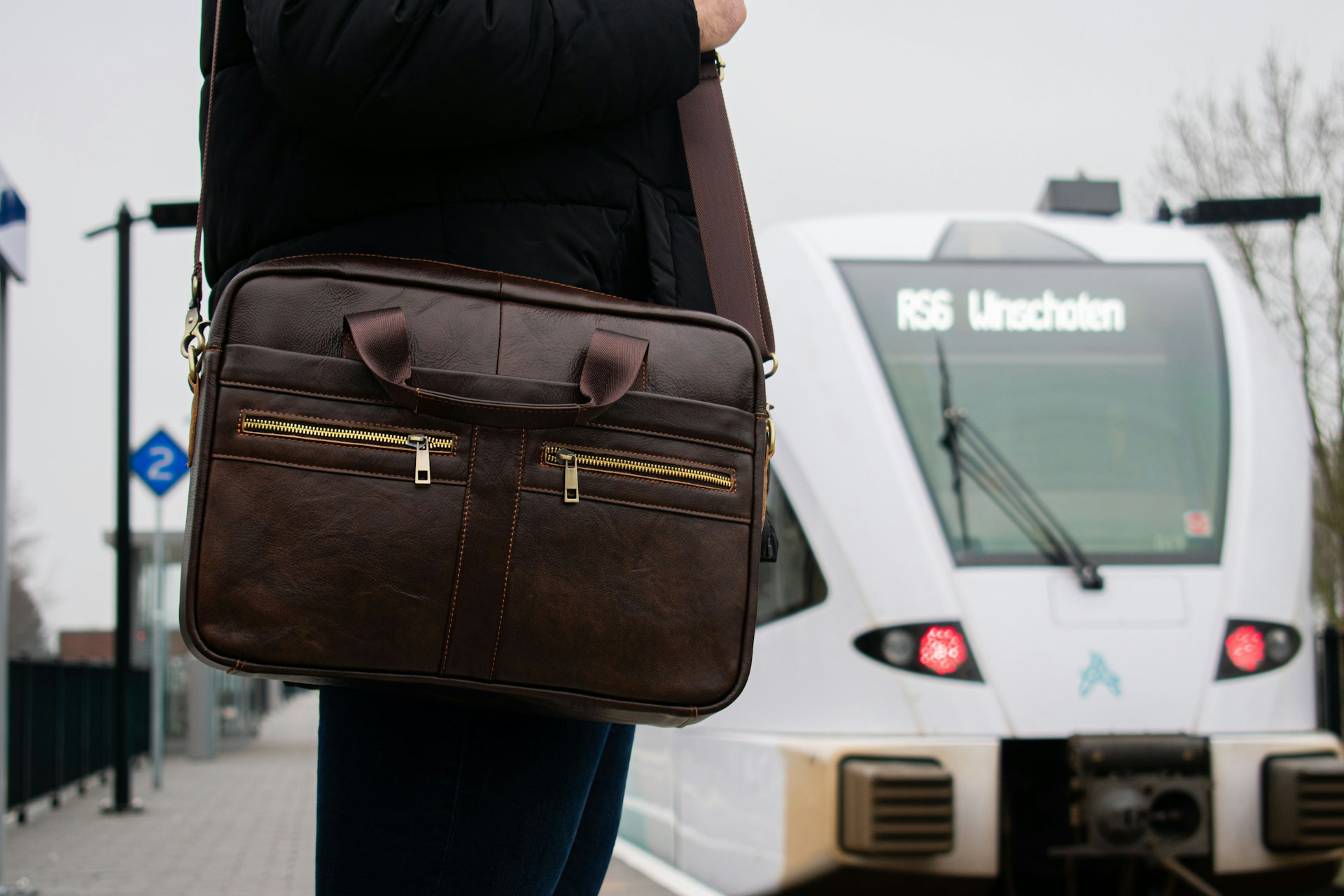
A traditional laptop bag often resembles a briefcase. It usually has a structured shape, short handles and a removable shoulder strap. This style is commonly chosen for offices, meetings and professional environments.
A computer bag is a broader category that can include:
- Briefcase-style bags
- Shoulder bags
- Backpacks with laptop compartments
- Tote bags with protective sleeves
- Crossbody bags designed for smaller devices
- Travel bags with space for electronics
The right style depends on where you use the bag and how much you normally carry.
Start by choosing the correct size
The most important consideration is whether the laptop fits securely. Laptop sizes are generally measured diagonally across the screen, but two computers with the same screen size can still have slightly different dimensions.
Before selecting a bag, measure the laptop’s:
- Width
- Height
- Depth
You should then compare these measurements with the internal dimensions of the laptop compartment. The computer should fit comfortably without moving around excessively, but the compartment should not be so tight that inserting and removing the laptop becomes difficult.
A padded sleeve or dedicated compartment provides better protection than simply placing the computer in the main section of a large bag.
Think about what you carry every day
A laptop is rarely the only item that needs to fit inside the bag. Most people also bring chargers, cables, headphones, keys, a phone and a wallet. Depending on the day, you may also need room for documents, a water bottle, lunch or an extra layer of clothing.
Before choosing a computer bag, make a list of what you regularly carry. This makes it easier to determine how many compartments and how much capacity you need.
A well-organised bag may include:
- A padded laptop compartment
- Smaller pockets for chargers and cables
- A secure pocket for valuables
- Space for documents or a notebook
- An external pocket for quick access
- A bottle holder
- A key strap or internal organiser
Good organisation prevents smaller belongings from collecting at the bottom of the bag and makes it easier to find what you need.
You can explore different styles designed for laptops and everyday technology here:

Protection should be a priority
A laptop is both valuable and fragile, so protection is one of the most important features of any laptop bag. Padding helps absorb minor bumps, while a secure closure prevents the device from sliding out.
Look for a compartment that protects the computer from several sides. Extra padding at the bottom can be particularly useful, as this is the area most likely to hit the floor when the bag is put down.
It is also worth considering the bag’s outer material. A durable fabric can help protect the contents from scratches and everyday wear. Water-resistant materials may provide additional protection during light rain, although they should not automatically be considered completely waterproof.
Keeping drinks in a separate external pocket can also reduce the risk of liquid spilling near the laptop.
Choose a carrying style that suits your routine
Comfort matters, especially if you commute or carry the bag for long periods. The most suitable carrying style depends on your journey and personal preference.
A shoulder bag is easy to access and works well for shorter trips. It can also look appropriate in professional environments. However, carrying weight on one side may become uncomfortable over longer distances.
A backpack distributes the weight across both shoulders and is often a good choice for cycling, walking or public transport. It also leaves both hands free, which can be useful during a busy commute.
A tote-style laptop bag can provide a balance between a casual and professional look. It may offer more room than a traditional briefcase while remaining easy to carry.
Whichever style you choose, padded straps and adjustable features can improve comfort.
Consider the bag’s appearance
A computer bag is a practical item, but it is also part of an everyday outfit. It may travel with you to the office, meetings, cafés and social activities, so the appearance should suit your lifestyle.
Neutral colours are versatile and tend to work well across different situations. A clean and minimal design can move easily between professional and casual settings. Brighter colours or distinctive details can be a good choice for anyone who wants the bag to feel more personal.
Think about whether the design needs to match formal workwear or whether it will mainly be used in a relaxed environment. Choosing a bag that fits several situations may reduce the need to transfer belongings between different bags.
Look at the materials and construction
The material affects the bag’s weight, durability, appearance and maintenance. Some materials provide a structured look, while softer fabrics create a more relaxed shape.
When comparing bags, consider:
- The strength of the outer fabric
- The quality of the stitching
- The durability of the zips
- Reinforcement around handles and straps
- The lining inside the laptop compartment
- How easily the surface can be cleaned
A lightweight bag may be more comfortable for daily commuting, but it should still be strong enough to hold a laptop and other essentials. Reinforced handles and reliable hardware are especially important if the bag is used every day.
A laptop bag for work and travel
People who travel frequently may need more features than those who only carry a computer occasionally. A suitable travel bag should make it easy to remove the laptop when needed and keep important belongings accessible.
Useful travel features can include:
- A luggage sleeve for attaching the bag to a suitcase
- Easy-access pockets for tickets and identification
- Secure internal compartments
- A zip closure
- Adjustable straps
- Space for a tablet or headphones
For air travel, it is also worth checking whether the bag fits within the airline’s personal-item dimensions. These limits vary, so the measurements should always be checked before travelling.
Avoid choosing a bag that is too large
A larger bag may appear more practical, but additional space often leads to carrying more weight than necessary. If the bag is primarily intended for a laptop, charger and a few essentials, a compact design may be the better option.
A bag that is too large can allow the laptop to move around unless it has a secure internal compartment. It may also become uncomfortable when filled with unnecessary items.
The ideal size should accommodate everything you genuinely need without becoming heavy or difficult to organise.
Balance function and design
The best laptop bag combines protection, comfort and organisation with a design that suits your personal style. It should make daily travel easier rather than adding extra inconvenience.
When comparing options, ask yourself:
- Does my computer fit securely?
- Is there enough padding?
- Can I organise cables and accessories?
- Is the carrying style comfortable?
- Does the design suit work and leisure?
- Is the material suitable for daily use?
- Will I still enjoy using the bag in a few years?
These questions can help narrow down the choices and prevent you from selecting a bag based on appearance alone.
You can find further inspiration for practical bags and everyday accessories here:
Find a computer bag for your everyday needs
A laptop bag is an important everyday accessory for students, commuters, professionals and travellers. The right design protects the computer while keeping chargers, documents and personal items organised.
There is no single computer bag that suits everyone. A compact shoulder bag may be ideal for short office journeys, while a backpack may be more comfortable for longer commutes. The best choice is the one that matches the size of your device, your daily routine and the amount you need to carry.
By considering size, protection, comfort, materials and organisation, you can choose a laptop bag that works across both professional and personal situations. A thoughtfully selected bag can make it simpler and safer to bring your technology wherever the day takes you.